AD – Affiliate disclosure: Some links in this post are affiliate links. As an Amazon Associate I earn from qualifying purchases, at no extra cost to you.
Before you buy anything labelled a “deal”, it helps to know what the item normally costs. That is where price trackers come in. This guide explains how to check Amazon UK price history using two popular free tools, Keepa and CamelCamelCamel, so you can tell a real saving from a fake one.
Why check price history?
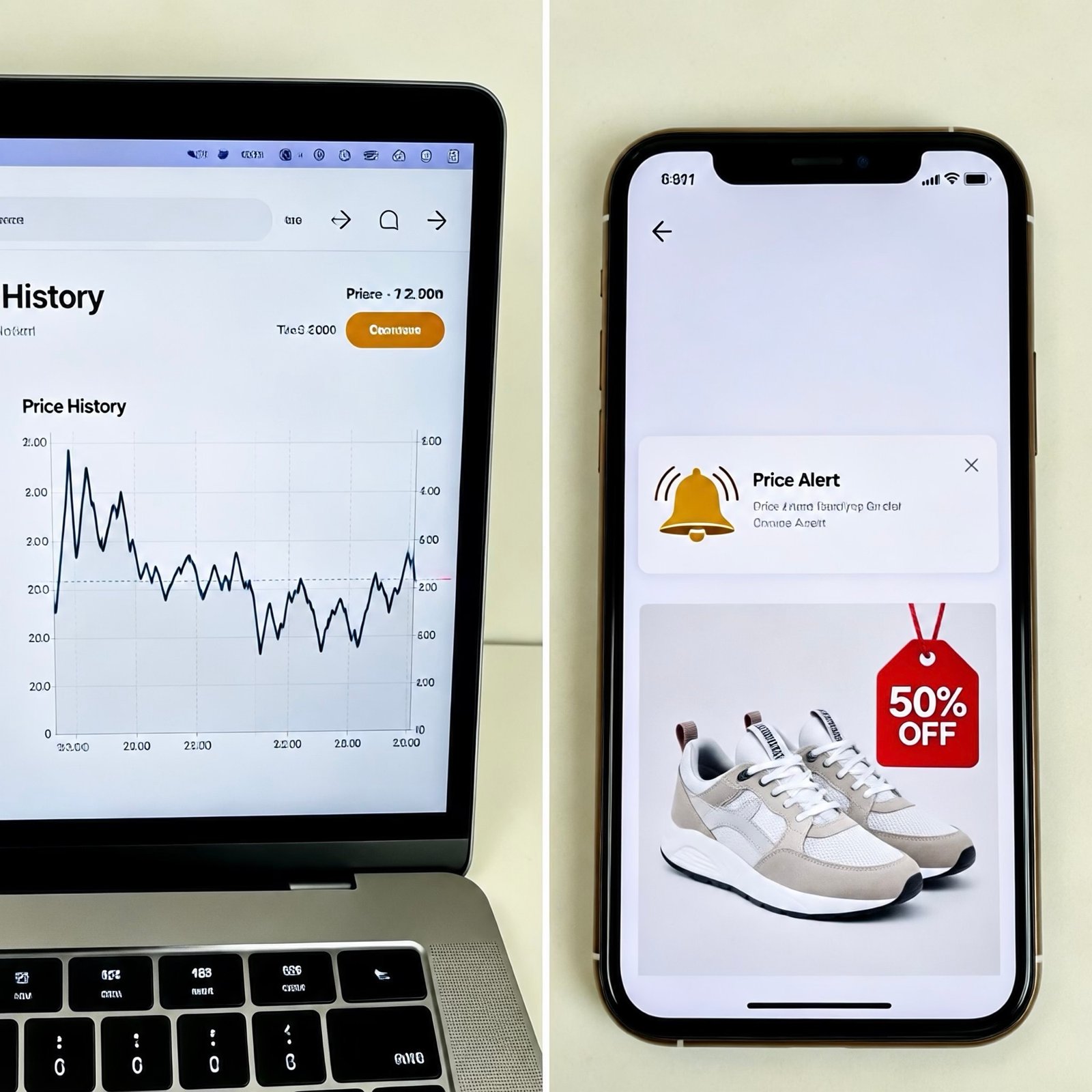
A “was” price or a big percentage badge only tells you what the seller compares the price to. A price history chart shows what the item has actually cost over the past weeks and months. If the current “deal” price is the same as it was last month, it is not much of a bargain.
The two main tools
- Keepa is a price tracker with a browser extension that can show a chart on the product page itself.
- CamelCamelCamel has a UK version where you paste in a product link or search for an item and see its price history.
Both have free options, and some extra features may be paid, so check each tool’s current plans.
How to check a price in four steps
- Find the product. Open the item on Amazon UK and copy its web address.
- Paste it into a tracker, or use the browser extension to see the chart on the page.
- Read the chart. Look at the lowest price in the last 90 days and how often the price changes.
- Compare. If today’s price is close to the lowest, it is probably a good time to buy. If it is well above, consider waiting.
Set a price alert
Instead of checking every day, you can set a target price and get an alert when the item reaches it. This works well for bigger purchases such as TVs, headphones or air fryers.
Things to watch out for
- Different sellers. The same product can be sold by Amazon or by third parties at different prices, so check which price the chart is showing.
- Variations. Colours, sizes and pack sizes can have separate price histories.
- Not every item is tracked. New or rarely sold products may have little data.
- Prices change quickly. Always check the live price before you buy.
Frequently asked questions
Are Keepa and CamelCamelCamel owned by Amazon?
No. They are independent services that track publicly listed prices.
Is a price history reliable?
It is a useful guide, but it is only as good as the data collected. Use it alongside a quick comparison with other UK retailers.
Put it to use
Read our guide on finding Amazon UK price drops, or browse today’s deals on Amazon UK and check each one against its history. You can also see our latest deal categories.
AD: Some links on this site are affiliate links. As an Amazon Associate I earn from qualifying purchases, at no extra cost to you.
Discover more from Price Glitches UK
Subscribe to get the latest posts sent to your email.